Meta Ads for Small Businesses: A Beginner's Guide to Your First Campaign
New to Facebook and Instagram ads? Learn how to choose the right objective, audience, budget and creative for your first Meta ads campaign, step by step.
TrioTech Agency 3 min read
Facebook and Instagram ads can bring a small business new customers quickly, but only if the campaign is set up with a clear goal. Many first campaigns waste money because they are rushed. This guide walks you through the decisions that matter most.
Before you start: get the basics ready
- A Meta Business account with your Facebook Page and Instagram account connected.
- Ads Manager access and a payment method.
- A clear offer. People need a reason to act: a product, a service, a free consultation or a limited-time deal.
- Somewhere to send people: a website, a WhatsApp chat, a lead form or your Instagram profile.
- Tracking. If you have a website, install the Meta Pixel (and, where possible, the Conversions API) so you can see which ads lead to enquiries or sales.
Step 1: Choose the right objective
When you create a campaign, Meta asks for an objective. This tells Meta who to show your ads to.
- Awareness: show your brand to as many relevant people as possible.
- Traffic: send people to your website or another destination.
- Engagement: get messages, video views or interactions.
- Leads: collect enquiries through forms, messages or calls.
- Sales: drive purchases or other valuable actions on your website or app.
Choose the objective that matches what you actually want. If you want WhatsApp enquiries, an engagement or leads campaign built around messages usually makes more sense than a traffic campaign.
Step 2: Define your audience
Start with the basics:
- Location: where your customers are. You can target countries, cities or areas around a point.
- Age and gender, only if your product clearly suits a specific group.
- Interests and behaviours related to your product.
As you collect data, you can build stronger audiences, such as people who visited your website, engaged with your Instagram or are similar to your existing customers. Avoid making your first audience too narrow; Meta needs room to find the right people.
Step 3: Set a realistic budget
There is no single right budget, but a few rules help:
- Start with an amount you can run consistently for at least one to two weeks.
- Avoid changing the budget or settings every day. Meta needs time and data to learn.
- Judge results by cost per enquiry or cost per sale, not just by likes or reach.
Step 4: Create ads people stop for
Your creative (images, videos and text) has a huge effect on results.
- Hook in the first seconds. Lead with the problem you solve or the result you deliver.
- Show the product or service clearly. Real photos and short videos usually beat generic stock images.
- Design for mobile. Use vertical formats for Stories and Reels.
- Write a clear call to action: “Message us on WhatsApp”, “Shop now”, “Book a free call”.
- Test a few versions. Run two or three different images or videos and let the results show you what works.
Step 5: Check results and improve
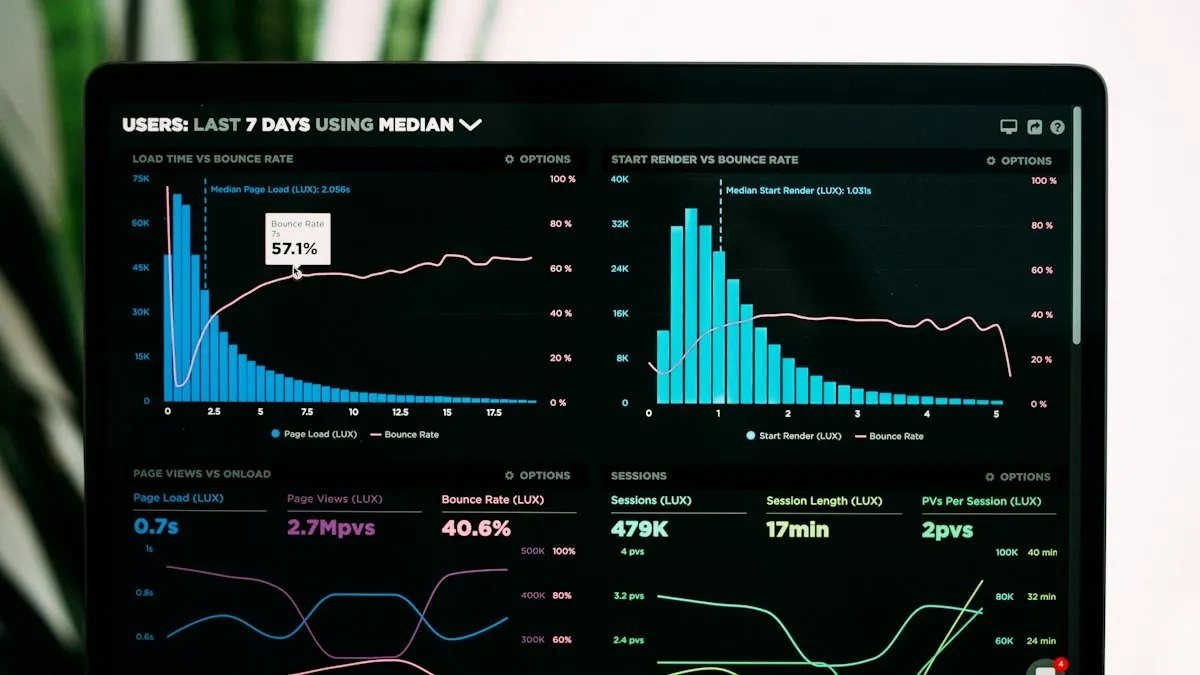
After the campaign has run for a few days, look at:
- Cost per result: what you pay for each message, lead or sale
- Click-through rate: whether people find the ad interesting
- Frequency: how often the same people see your ad; high frequency can mean it is time for new creative
- Quality of leads: do the enquiries turn into customers?
Keep what works, pause what does not, and refresh your creative regularly.
Common beginner mistakes
- Boosting posts and expecting sales, without a clear objective. (See our guide on boosting vs running a campaign.)
- Sending traffic to a slow or confusing website.
- Targeting too many locations or audiences at once.
- Judging the campaign after one day.
- Not replying to messages quickly. Slow replies waste the leads you paid for.
Want experts to run it?
We plan, create and manage Meta campaigns for businesses in Pakistan, the UAE and beyond, with clear reporting so you know what your budget is doing. Learn more about our Meta ads management or message us to discuss your goals.